Store locator
design.

Two connected journeys: a team keeping location details current, and a customer deciding where to go.
Product exploration / Location discoveryExplore the project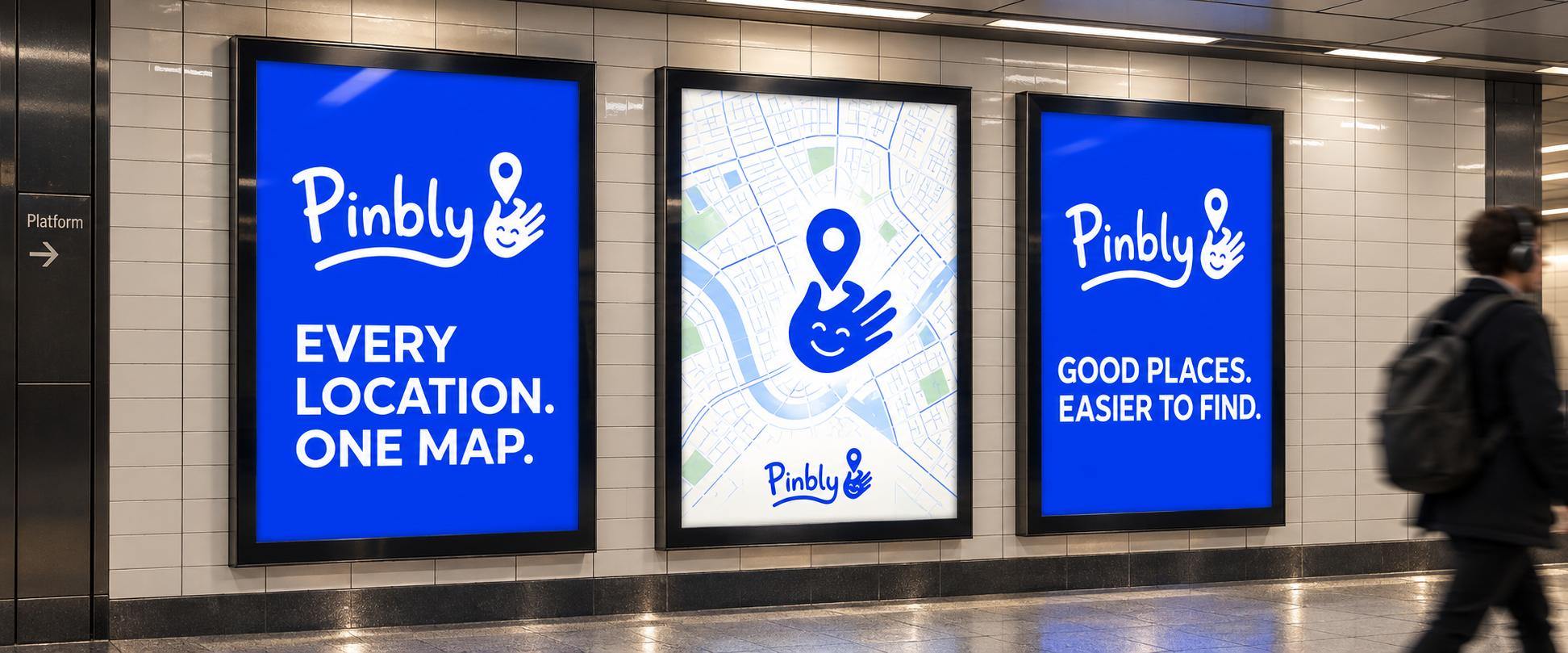
Two connected
workflows.
A location finder depends on work the visitor never sees. Someone needs to maintain addresses, opening hours, products, and publication status before those details can help a customer choose a place.
Pinbly connects that management workspace to an embeddable list and map. My product design brings the internal workflow and the customer’s next decision into the same system.
The location
journey.
The visitor’s intended path is search or filter, compare locations, check the details, then get directions. The list and map provide two ways to inspect the same results, with location information close to the selection.
The dashboard and directory show the other half of the journey: maintaining the information that appears in that widget. The examples use fictional locations and sample activity.
Widget preview
Widget preview with sample locations, product filters, and directions.
01 / Add the essentials
Bring names, addresses, hours, and contact information into one clear structure.
02 / Make it recognizable
Let the presentation belong to the website where the locator will live.
03 / Keep details in context
Connect search results, map pins, and location information without sending people through unnecessary steps.
Managers and
customers.
The product serves both the people responsible for location information and the people relying on it.
The location manager
Add and update listings, organize products and categories, and check which information will reach customers.
The website owner
Style the locator, preview the customer experience, and embed it within an existing website.
The customer
Search or filter nearby places, check relevant details such as hours and products, and choose directions to a location.
Product identity.
Widget flexibility.
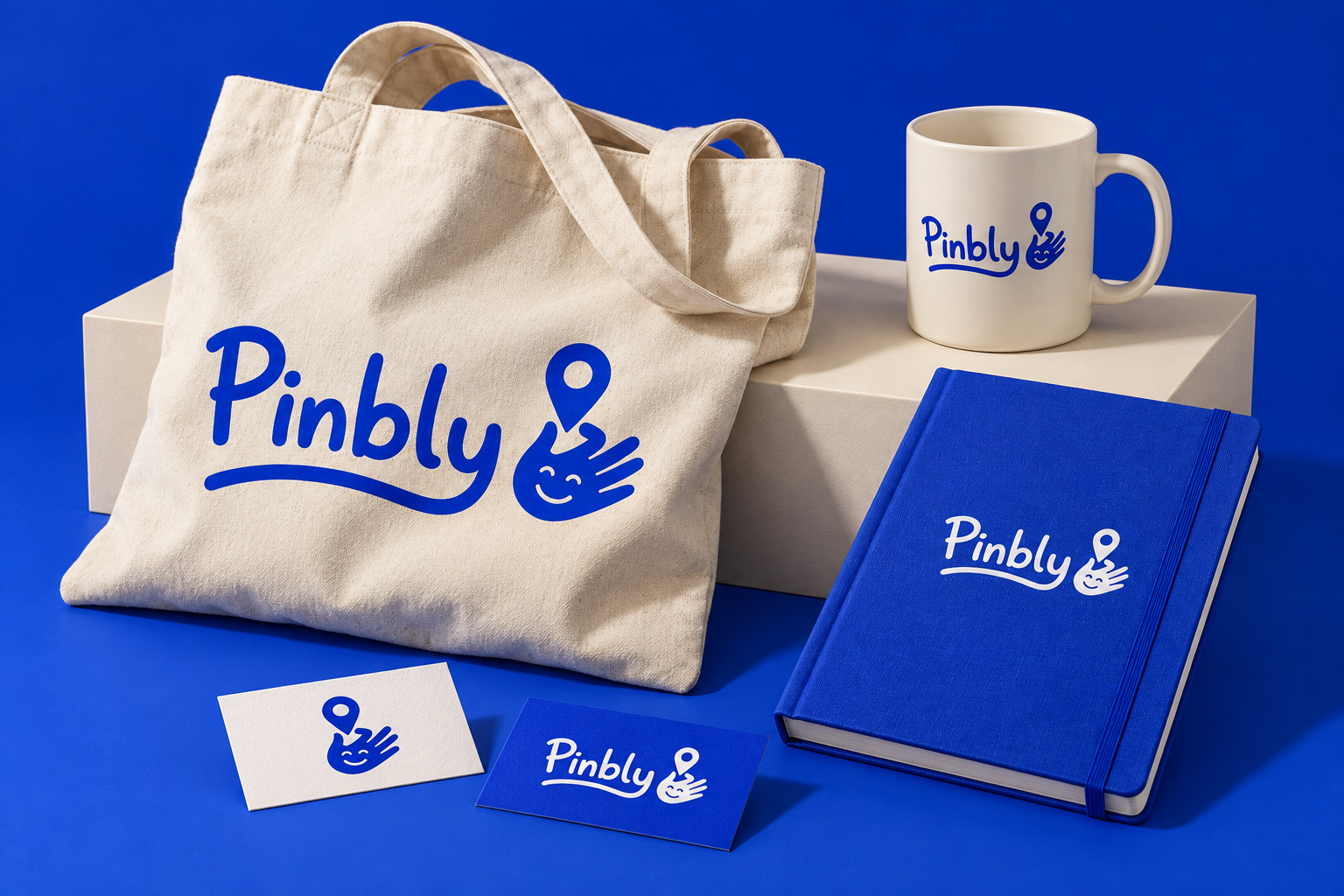
Pinbly needs a recognizable identity in its own workspace, while the embedded locator needs to belong to its host website. Those are different design contexts.
The brand applications explore the product’s identity. The widget styling controls address the host website, where the visitor’s main task is to find a place and decide what to do next.
More about how I workA clear view of the day-to-day.
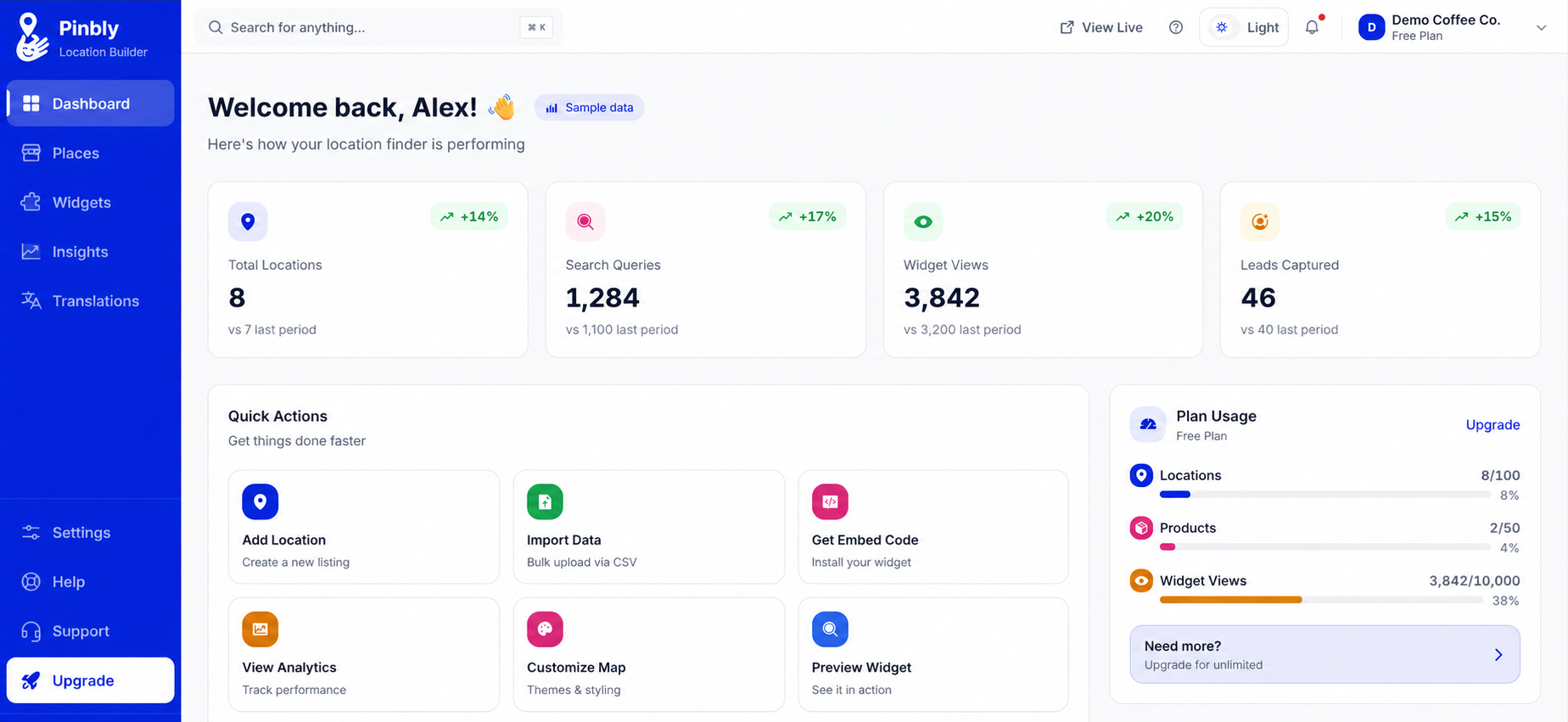
The dashboard puts location totals, searches, widget views, and captured leads in one place. Quick actions connect that overview to adding locations, importing data, styling the map, and getting embed code.
Plan usage sits alongside those actions, so the account’s capacity stays visible in the same workspace.
The details behind every pin.
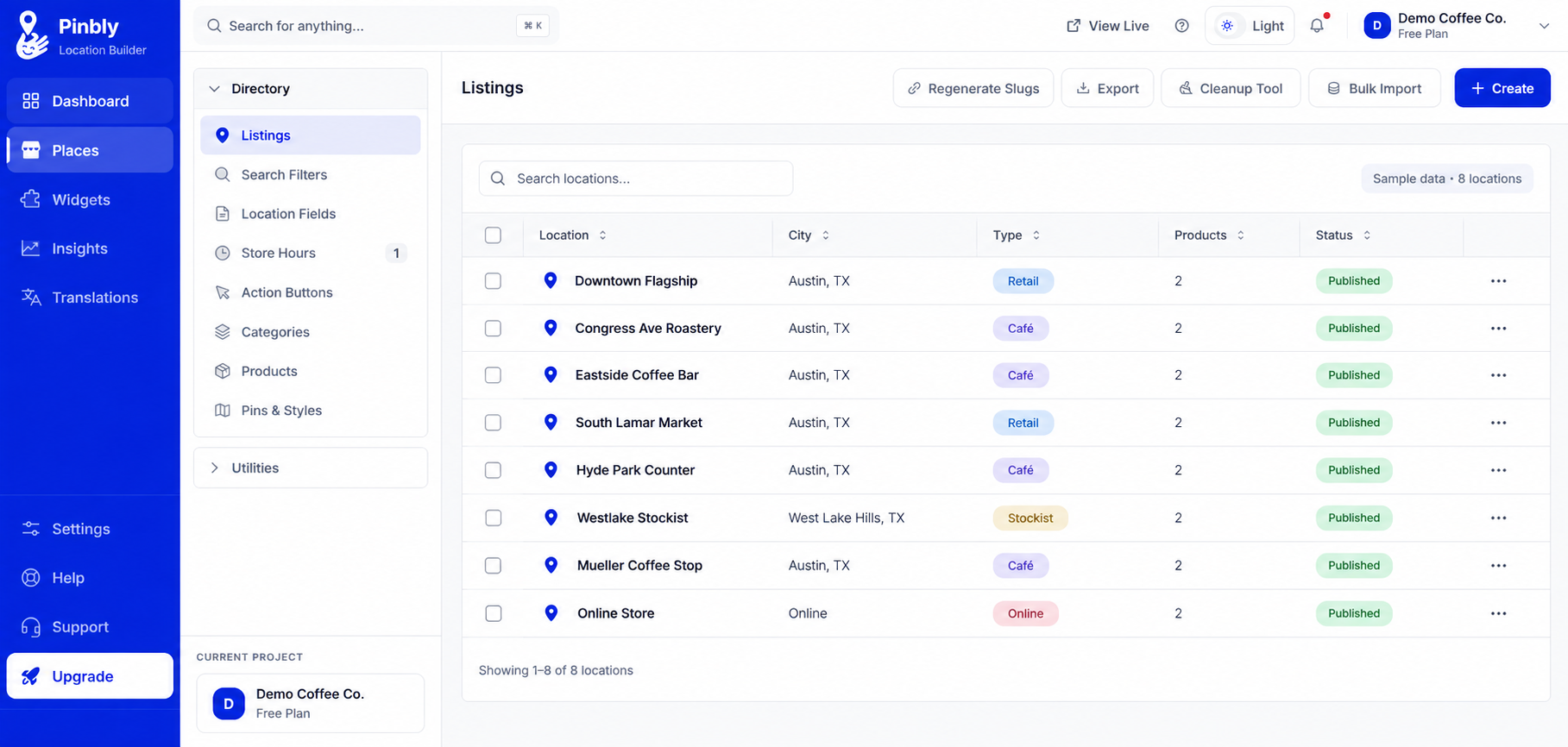
Places brings the directory together with the settings that shape each listing: search filters, location fields, store hours, action buttons, categories, products, and pin styles.
This populated directory illustration shows seven physical locations and one online store for a sample coffee business. It explores how a team can scan location types, product counts, and publication status before opening an individual record.
A little more
context.
What data is shown in these screens?
The screens use example locations and sample activity to show how the dashboard, directory, and widget work together. Business names and performance figures are illustrative.
What does this product experience connect?
The internal team maintains locations, products and listing details. The widget preview shows how that information becomes a searchable list and map for customers, with filters, opening hours and directions in context.
How does brand fit into the product?
The visual identity makes the product recognizable, while the embedded locator needs to adapt to its host website. Those two needs inform the design together.
What stage is this work in?
Pinbly is in development and early-access preparation. The interface images use sample data to illustrate the product; the transit and stationery images are brand application concepts.
What I would
test next.
This exploration makes the dependency between internal tools and customer experience tangible: useful wayfinding starts with usable location management.
The next evaluation should follow a change all the way through. Can a manager update opening hours and confirm the result, and can a visitor then find a suitable location and understand the next step?
Next: LogoZap